Find a business email
- Input
- Name and company domain.
- Output
- Candidate address plus confidence state.
Limit: a pattern match is not a verified mailbox.
Email finding and verification for AI agents
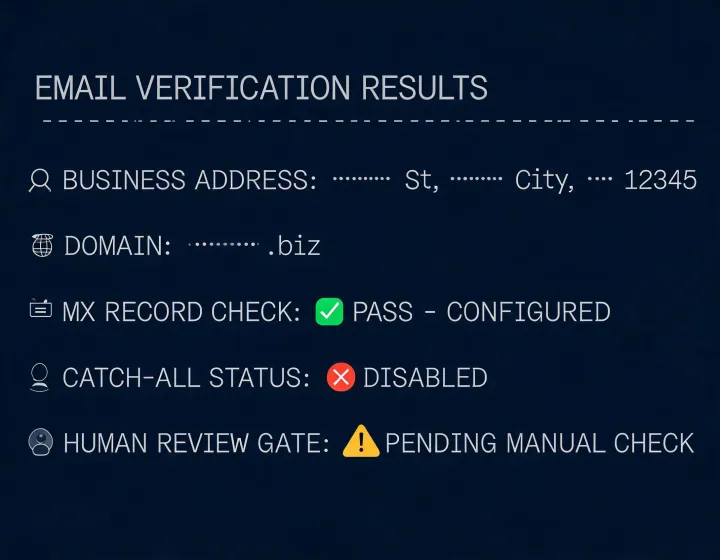
Give your agent a domain, person, or candidate address and receive a reviewable result with verification state, evidence notes, and handling guidance. NeverBounce keeps valid, invalid, catch-all, and unknown outcomes distinct so RevOps can decide what moves forward.
npx -y @okki-global/okki-go-taroballEvidence grid
Limit: a pattern match is not a verified mailbox.
Limit: a valid result cannot guarantee delivery or consent.
Limit: catch-all and unknown require a policy decision.
Limit: authentication, opt-out, and regional rules remain operator duties.
Runtime matrix
Company domain
Public business identity · operator supplied
Candidate email
Professional contact · review required
Syntax and domain checks
Network lookup · inspect locally
Provider connection
Scoped API secret · config-dependent
Agent result
State and evidence · local review
CRM or send queue
Only after approval · operator controlled
Four-state runbook
npx -y @okki-global/okki-go-taroballSuccess means the exact command is on your clipboard.
Execute it in your agent terminal. Inspect package identity, prompts, permissions, and completion output.
Store provider credentials in environment secrets with minimum scope. Never paste API keys into a prompt.
Use known valid, invalid, catch-all, and ambiguous examples. Confirm state, timestamp, and review notes.
FAQ